

Upload or drag an image
Start with a photo, picture, screenshot, poster preview, product image, or design export in JPG, PNG, or WebP format. Use images you own, created, or have permission to edit.
Free online AI image watermark remover
Upload an image, choose auto detection or brush a mask, and remove watermark from photos or pictures in seconds.Upload a JPG, PNG, or WebP image and remove watermark overlays from photos, pictures, product shots, posters, and preview exports. Use this free watermark removal workflow for clean results, or brush a mask when you want precise control. No Photoshop or app download needed.
 BeforeAfter
Your watermark removal result will appear here.
PicTextRemover keeps watermark removal fast and simple. Upload an image, decide whether to use automatic full-image detection or a brush mask, then download a cleaner result. The free watermark removal workflow is built for people who need fast AI tools for watermark cleanup without Photoshop, app downloads, clone tools, or manual layer work.
Start with a photo, picture, screenshot, poster preview, product image, or design export in JPG, PNG, or WebP format. Use images you own, created, or have permission to edit.
Skip masking when you want the editor to inspect the full image for watermark overlays. Add a brush mask when only one area should be considered, then click the Remove watermark button to start processing.
Our tool identifies watermark overlays and removes them while rebuilding the covered area naturally. It keeps the surrounding image content stable so you can download a clean result fast.
Use this image watermark remover for practical cleanup work where the mark is an overlay and you have the right to edit the image. It is useful as a photo watermark remover or picture watermark remover for logos, social media marks, repeated overlays, signatures, date stamps, and timestamps.

 BeforeAfter
For branded overlays
Remove logo watermarks and icon marks from images you own or are authorized to edit. The cleanup targets the overlay while preserving real product labels, packaging details, and design elements.

 BeforeAfter
For creator and campaign images
Clean creator handles, preview labels, and social media marks from photos or pictures you are allowed to reuse. Mask mode helps when a mark sits near faces, captions, UI, or other important details.

 BeforeAfter
For tiled preview overlays
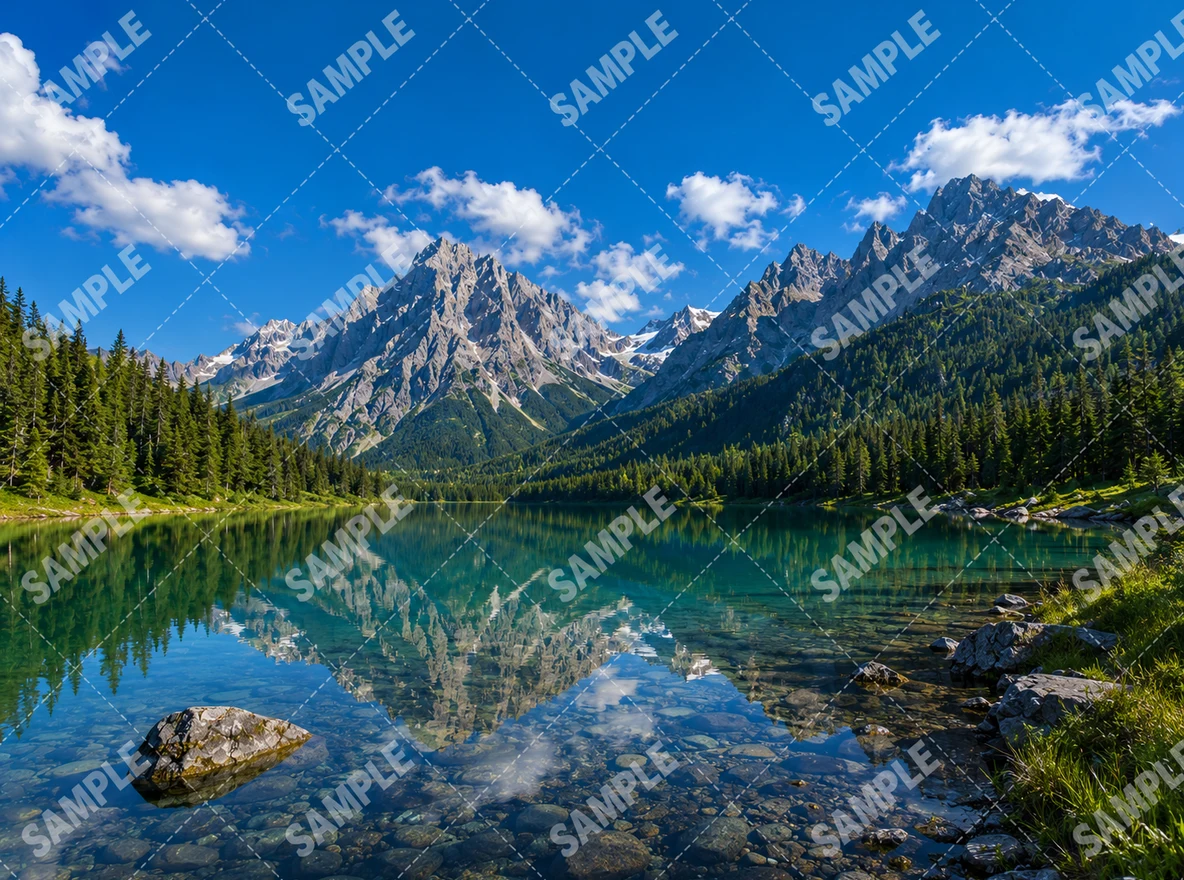
Clean full-screen or repeated watermarks that cover most of an image. Auto detection is useful when a tiled preview overlay appears across the entire photo, picture, or design export.

 BeforeAfter
For author name cleanup
Remove signature watermarks, author names, and handwritten-style marks from pictures when you have permission to edit the file. The tool keeps the underlying scene and layout stable.

 BeforeAfter
For camera and travel photos
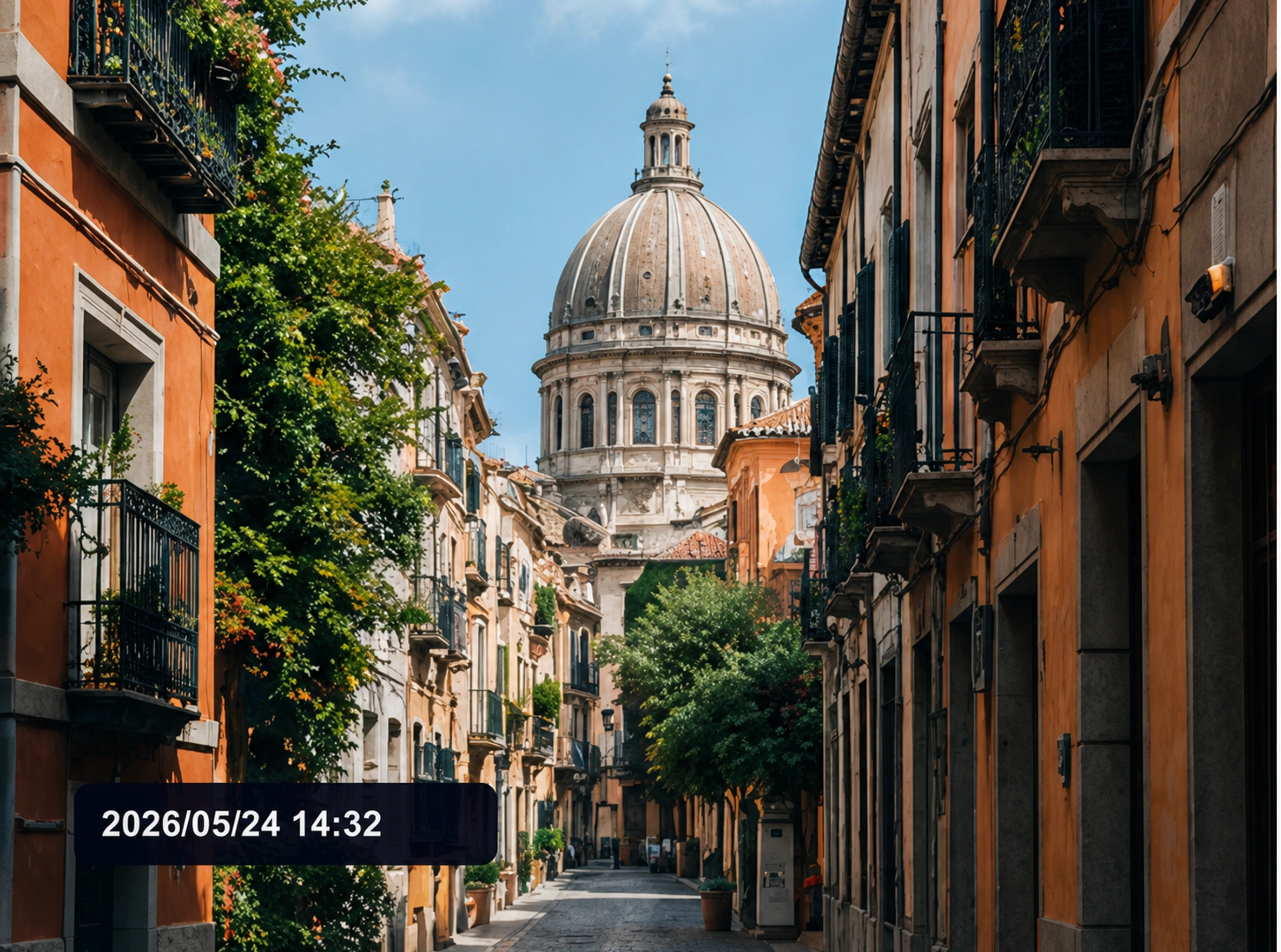
Erase date stamps, timestamps, and camera info overlays from photo files. It is useful for cleaning old camera images, trip photos, and archive pictures before sharing or reuse.
Use automatic detection when you want a fast online watermark remover, or brush a mask when you need tighter control. This section shows how the magic AI remover supports smart detection, precise edits, browser-based cleanup, and quick JPG, PNG, or WebP workflows.
 Before
 After
AfterSmart detection
Use auto detection when the watermark is obvious, repeated, or spread across the picture. The tool looks for watermark-like overlays and avoids ordinary image content.
 Before
 After
AfterManual control
Brush over the exact area you want considered. This helps with small marks, corner logos, signatures, timestamps, or overlays near important details.
 Before
 After
AfterNo app workflow
Upload an image in the browser, run the cleanup, and download the result without clone-stamp work, layers, desktop software, or a separate app download.
 Before
 After
AfterQuick edits
The workflow is built for fast cleanup: upload a JPG, PNG, or WebP image, choose auto or mask mode, then download a cleaner photo or picture.
Image & Photo Watermark RemoverRemove text, logo, icon, and tiled watermark overlays from image, photo, or picture files.Open image watermark remover
 Image Text RemoverErase captions, labels, screenshots, poster text, and product text while keeping the background natural.Try text remover
 Image Object RemoverBrush over unwanted people, props, clutter, or defects, then generate a cleaner photo.Open object remover
PicTextRemover is designed for fast, high-quality watermark removal from image files while keeping non-watermark content intact. Use this AI tool for photos and pictures when you want clean results without blurry edges, app downloads, or slow manual clone-stamp editing.
Detect text watermarks, logo watermarks, icon marks, signatures, timestamps, translucent stamps, repeated tiled overlays, and mixed text-logo marks in common image formats.
Upload, choose auto detection or add a quick brush mask, then download a cleaner photo or picture without manual clone-stamp editing.
After the watermark is identified, the editor reconstructs the covered area with matching texture, color, lighting, and perspective so the result does not look smeared.
Images are used to create your result, not for public galleries or marketing. Results are deleted by default after 7 days, and logged-in users can delete them earlier in My Creations.
Quick answers about this free image watermark remover, auto detection, mask mode, upload limits, and responsible use.
Upload a JPG, PNG, or WebP image, leave it unmarked for automatic full-image detection or brush over the watermark area for mask mode, then start the image watermark remover and download the cleaned result.
Yes. The workflow supports photos, pictures, product images, posters, and design previews up to 10MB. It works as a photo watermark remover and picture watermark remover for authorized image cleanup. Results depend on watermark size, image clarity, and background complexity.
Use auto detection when the watermark is obvious or repeated across the image. Use a mask when the watermark is small, near important details, or when only one area should be edited.
Yes. It can target logo, icon, text, mixed, translucent, corner, and tiled watermark overlays. It is instructed not to remove ordinary logos or marks that naturally belong to real objects.
The editor is conservative: it targets confirmed watermark overlays, and ambiguous marks should be preserved. Mask mode gives extra control when the image contains real logos, signage, or scene text nearby.
Use the tool only on images you own, created, licensed, or have permission to edit. It is intended for legitimate image cleanup, draft cleanup, and authorized asset preparation.
Support email: support@pictextremover.com