

Upload or drag an image
Start with a product photo, travel photo, room image, screenshot, or casual picture in JPG, PNG, or WebP format. The tool is designed for quick cleanup when an unwanted element distracts from the subject.
Free online AI object remover
Upload a JPG, PNG, or WebP image, brush over the unwanted object, person, prop, clutter, or defect, then let PicTextRemover rebuild the background naturally. It works for remove object from image workflows without Photoshop.Upload a JPG, PNG, or WebP image, brush over the unwanted object, person, prop, clutter, or defect, then let PicTextRemover rebuild the background naturally. It works for remove object from image workflows without Photoshop.

 BeforeAfter
Your object removal result will appear here.
Object removal works best when you tell the AI exactly what should disappear. Upload a photo or image, brush over the unwanted element, and wait while the AI object remover naturally removes the target object.
Start with a product photo, travel photo, room image, screenshot, or casual picture in JPG, PNG, or WebP format. The tool is designed for quick cleanup when an unwanted element distracts from the subject.
Use the brush to cover the object, person, prop, clutter, blemish, or shadow you want removed. Cover a little extra around the edges, then click the Remove object button to start processing.
AI object remover processing can take around 30 seconds, then you get a cleaned image with the selected area rebuilt naturally.
Use PicTextRemover as a simple tool to remove object from photo for ecommerce, social posts, real estate, and everyday image cleanup. Mask the distracting element, generate the edit, and download a cleaner result.
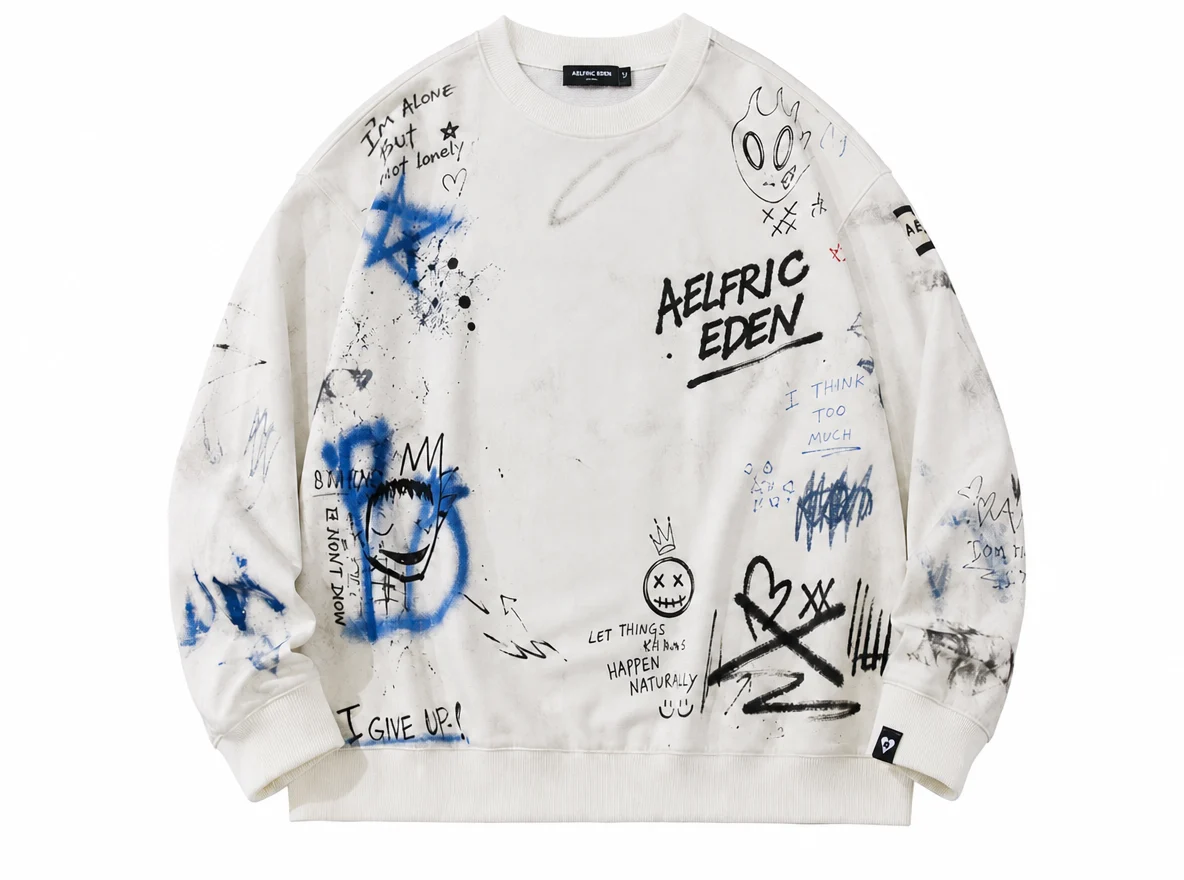
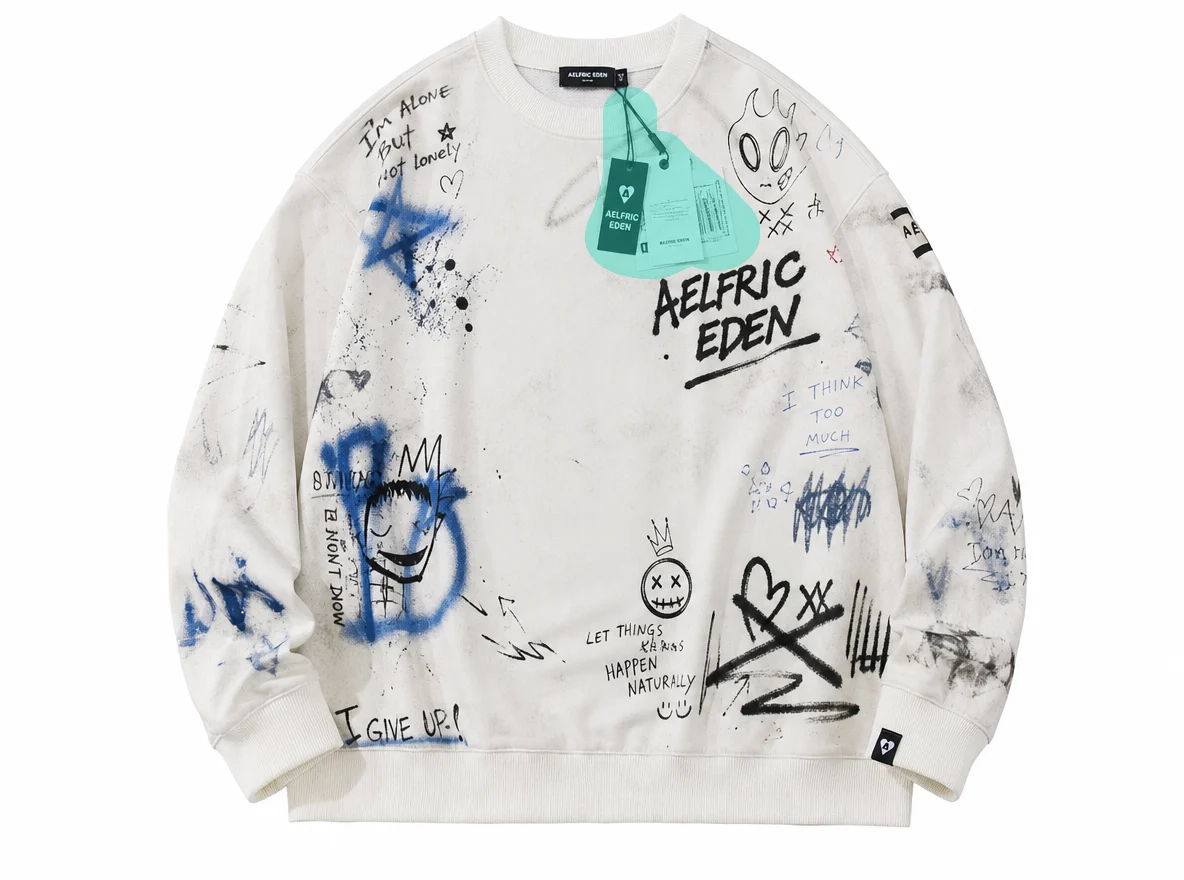 BeforeAfter
For sellers and marketplace teams
Remove props, dust, small defects, packaging clutter, or distracting objects from product images you are allowed to edit. Keep attention on the product without rebuilding the entire shoot.

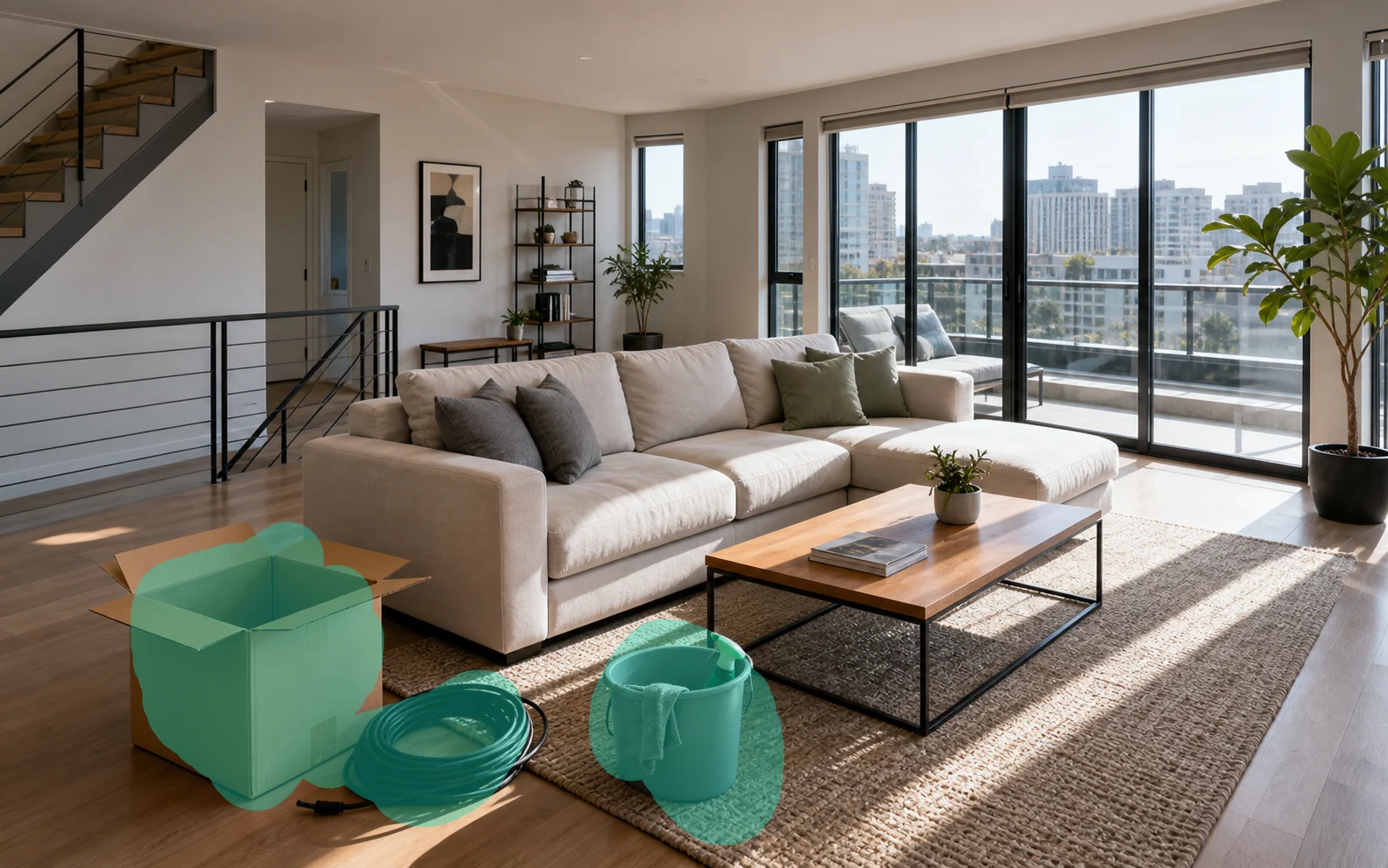 BeforeAfter
For property and listing teams
Clean trash cans, cables, small furniture, signs, personal items, or clutter from room photos so the space looks more polished in listings and presentations.

 BeforeAfter
For creators and marketers
Remove accidental props, background distractions, photobombers, and visual clutter before publishing a campaign image, thumbnail, or social post.

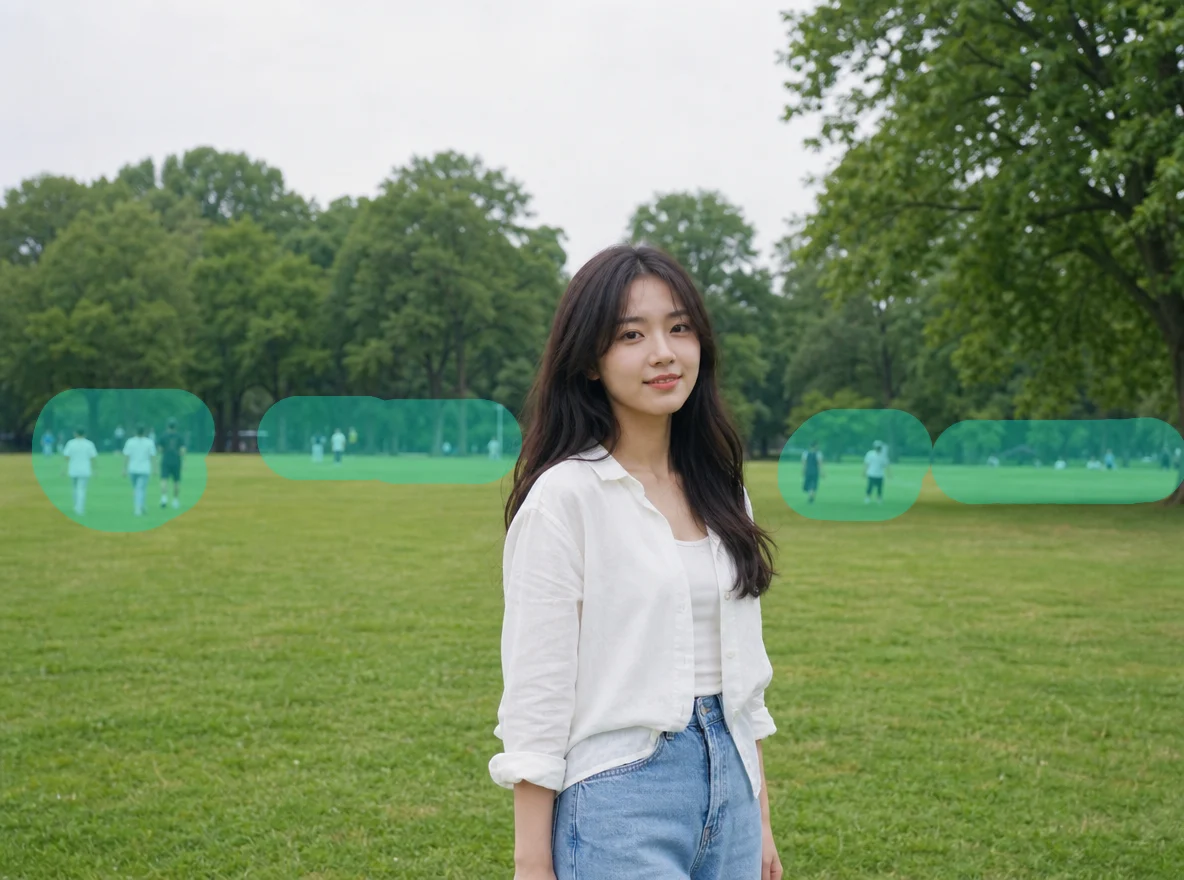 BeforeAfter
For personal image cleanup
Remove people, street clutter, trash, glare, stains, and small distractions from personal photos and casual images while keeping the main subject intact.
PicTextRemover keeps object removal simple and controlled: brush the unwanted area, preserve unselected content, rebuild the background naturally, and download a clean image without Photoshop.
| Comparison dimension | General object remover tools | Our PicTextRemover |
|---|---|---|
| Precise selection | The tool may guess the wrong object or edit too much of the image. | Uses your brush mask to define the exact object or area to remove. |
| Stable surroundings | Unselected people, products, text, and background details can be changed. | Keeps everything outside the mask unchanged as much as possible. |
| Natural background | Removed areas may become blurry, smeared, or obviously patched. | Reconstructs the hidden background with matching texture, color, and lighting. |
| Simple workflow | Manual clone tools and layers require editing experience. | Upload, brush, remove, and download without Photoshop skills. |
| Everyday usability | Outputs often need extra repair before publishing. | Creates a cleaner image for listings, posts, presentations, and personal use. |
 Image Text RemoverErase captions, labels, screenshots, poster text, and product text while keeping the background natural.Try text removerImage Object RemoverBrush over unwanted people, props, clutter, or defects, then generate a cleaner photo.Open object remover
 Picture Watermark RemoverRemove text, logo, icon, and tiled watermark overlays from image, photo, or picture files.Open picture watermark remover
PicTextRemover object remover focuses on one clear task: remove unwanted objects from photos and images while preserving the rest of the scene. It is built for fast image cleanup with a brush mask, natural inpainting, private processing, and direct download.
Mark the unwanted object, person, defect, or clutter with a brush so the AI knows exactly where to edit.
Skip clone stamps, layers, and manual retouching. Upload an image, mask the object, and let AI handle the cleanup.
Clean product photos, social visuals, real estate photos, and everyday images without rebuilding the scene from scratch.
Images are used to create your result, not for public galleries or marketing. Results are deleted by default after 7 days, and logged-in users can delete them earlier in My Creations.
Quick answers about this AI object remover, mask workflow, upload limits, and privacy.
Upload an image, brush over the object you want removed, then start the AI object remover. The tool uses your mask to clean the selected area and reconstruct the background.
Yes. The workflow supports JPG, PNG, and WebP photos up to 10MB, including everyday photos, product photos, real estate photos, and social visuals.
Object removal is ambiguous without selection. The mask tells the AI which object should disappear and helps prevent accidental changes to the rest of the image.
Yes, if you have the right to edit the image. Brush over the person and nearby shadows or occluded edges for a cleaner result.
Results depend on object size, background complexity, image resolution, and mask accuracy. Smaller objects on simple backgrounds usually produce cleaner results.
Yes. Your images are safe, and we do not use them for other purposes. Uploaded images and results are deleted by default after 7 days, and you can manually delete logged-in creations in My Creations.
Support email: support@pictextremover.com