
Upload or drag an image
Start with a product photo, poster, screenshot, slide image, or everyday picture in JPG, PNG, or WebP format. The tool is built for fast, intuitive cleanup when unwanted text is getting in the way.
Free online AI text remover
Upload an image, brush over unwanted text, and let PicTextRemover clean it in seconds.Upload a JPG, PNG, or WebP image, optionally brush over the text you want changed, then wait for the text remover AI workflow to complete the removal task. No Photoshop skills needed. Versatile enough for cleaning captions, labels, posters, and more.
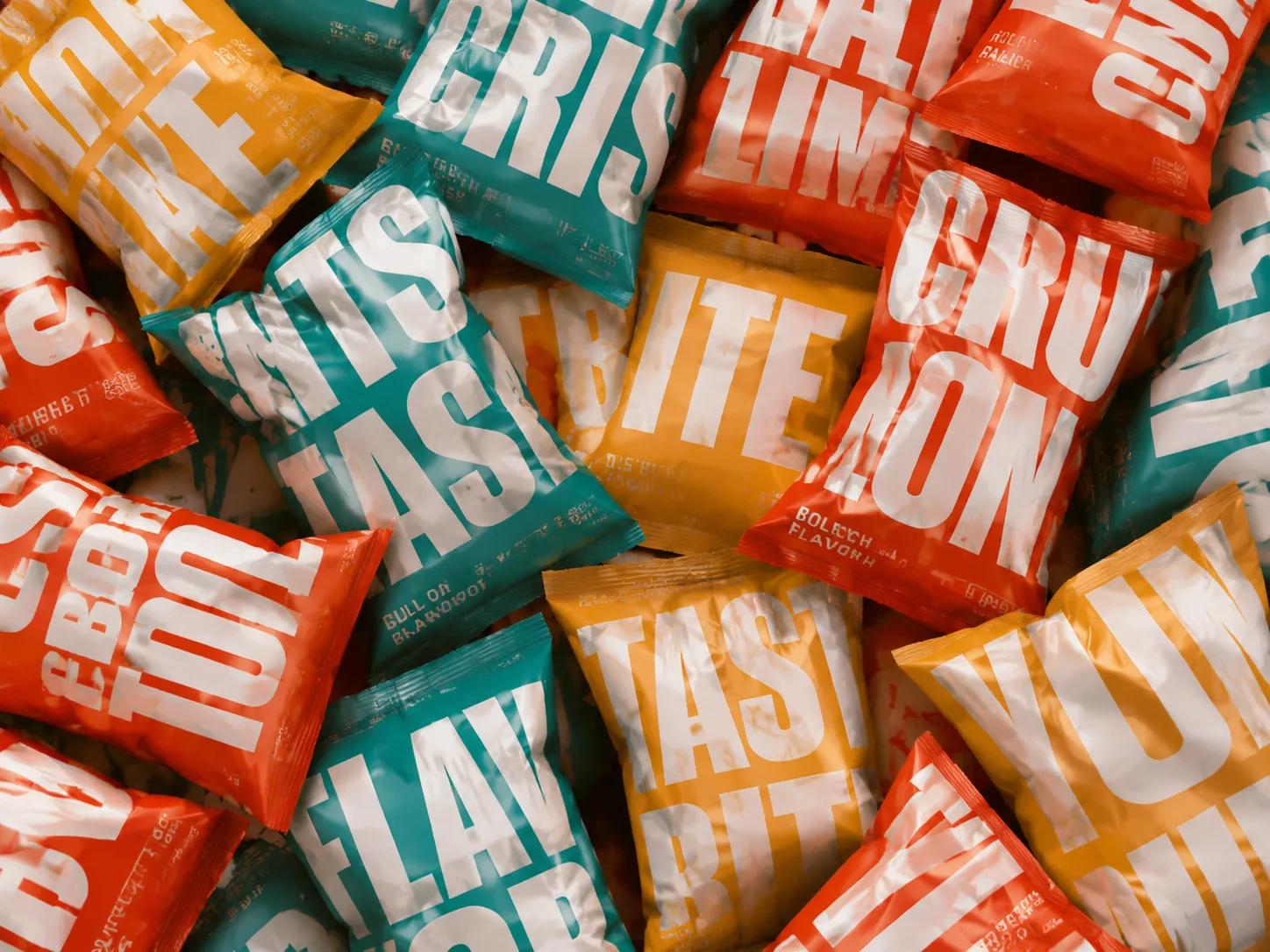
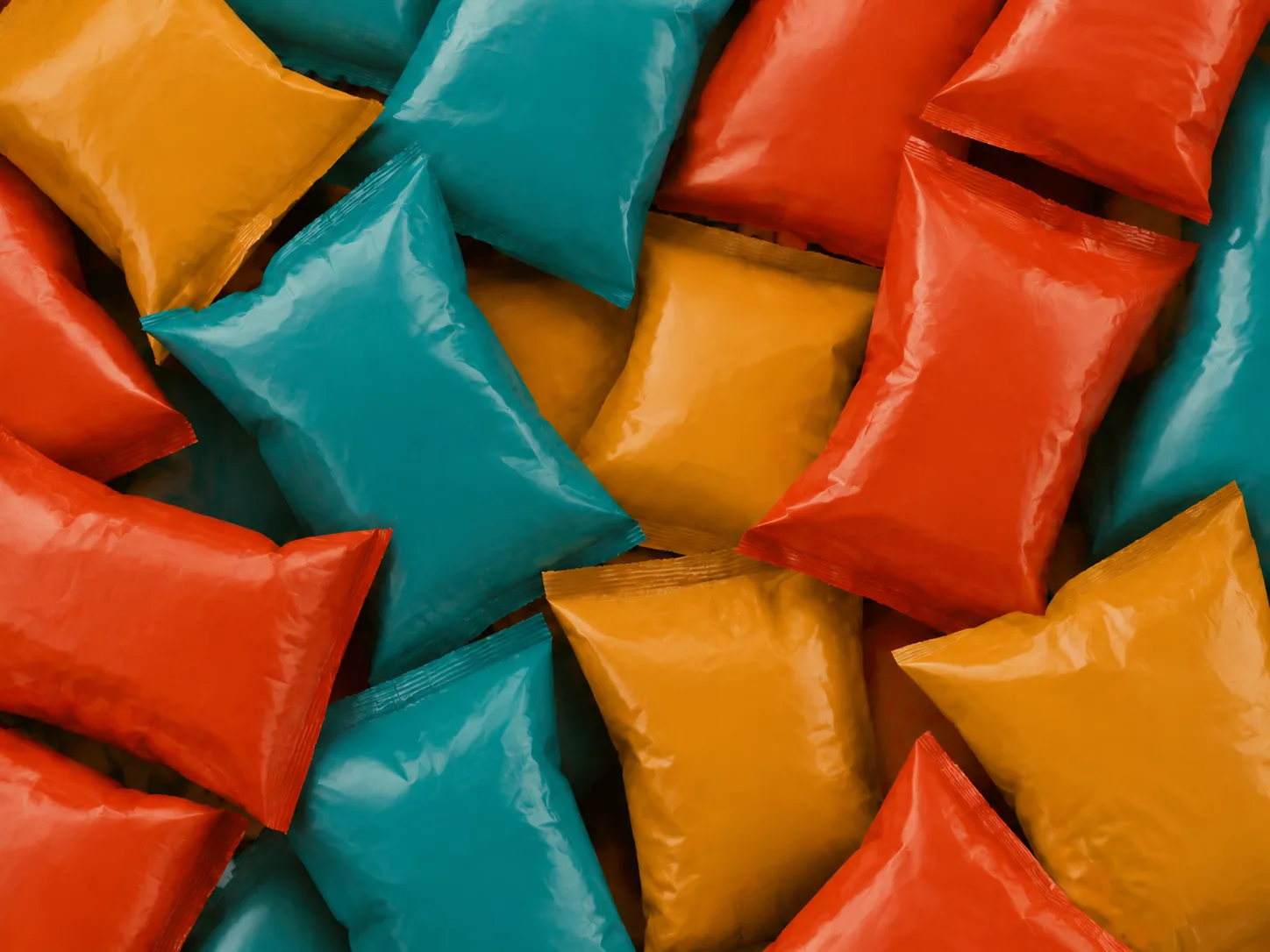 BeforeAfter
Your removal result will appear here.
Upload a JPG, PNG, or WebP image up to 10MB, add a mask only when you need precision, then wait for the tool to remove text from image. If you want to remove text on image without Photoshop, the workflow stays simple for beginners, but still gives designers, sellers, and marketers enough control to remove text from images, photos, and pictures for polished everyday production work.
Start with a product photo, poster, screenshot, slide image, or everyday picture in JPG, PNG, or WebP format. The tool is built for fast, intuitive cleanup when unwanted text is getting in the way.
Brush over the exact text area when you want control. If you do nothing, PicTextRemover can automatically detect visible words and clean the broader image. When the preview is ready, click the Remove Text button to start processing.
AI-powered text remover processing can take around 30 seconds, then you get an image with the background reconstructed for a natural look.
PicTextRemover is designed for image cleanup moments across ecommerce, presentations, marketing, and everyday photos. It removes unwanted text, rebuilds nearby detail, and keeps the finished image free from distracting background noise. Use it in your daily work and life.
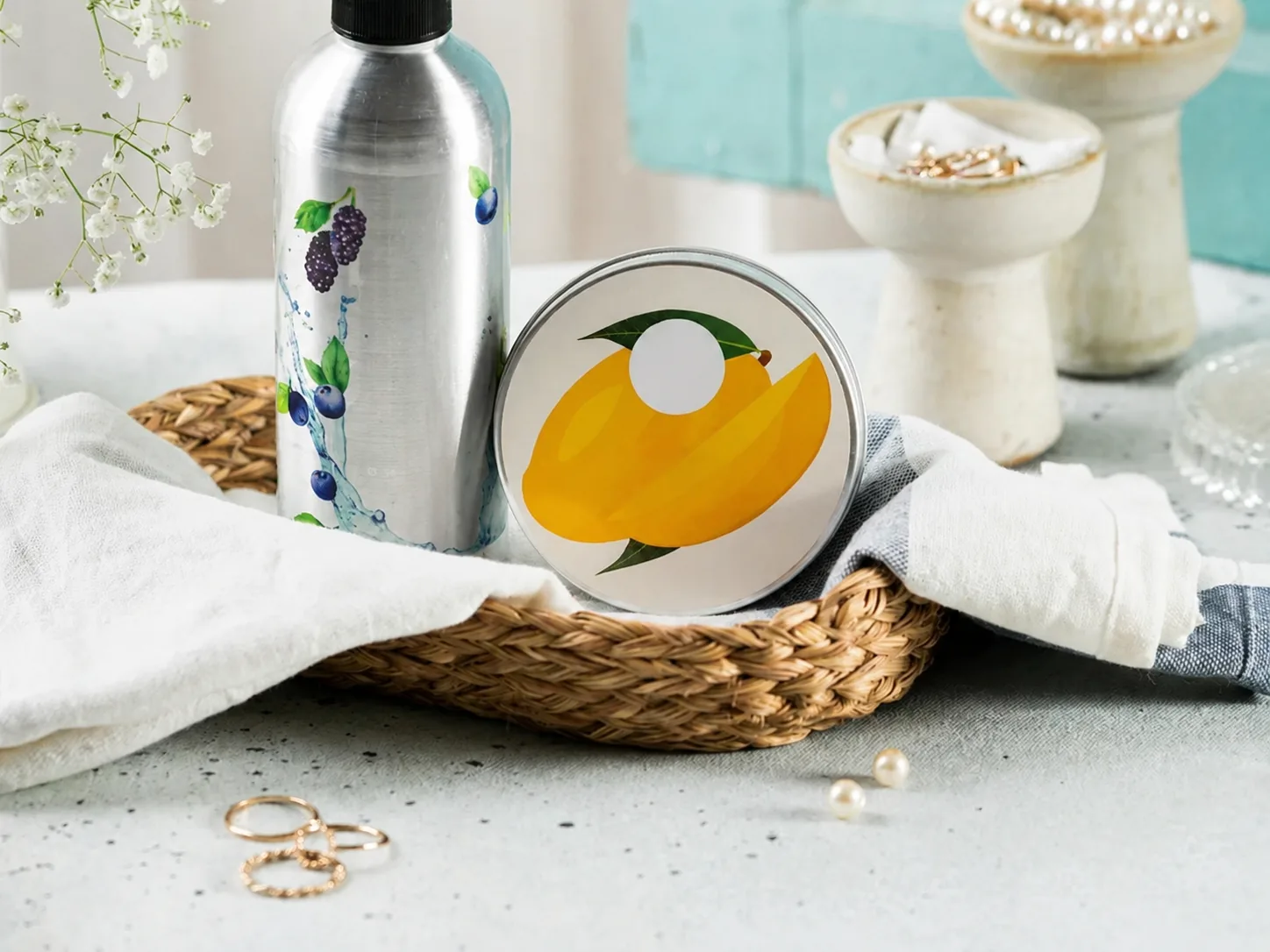
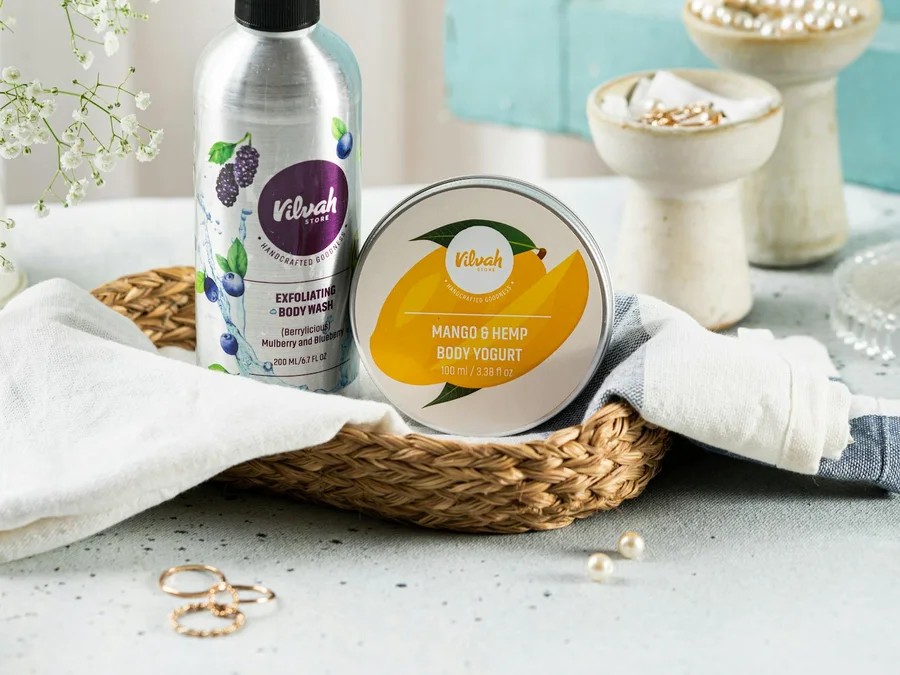 BeforeAfter
For sellers and marketplace teams
Clean supplier labels, outdated promo text, temporary price tags, or packaging notes from product images you are allowed to edit. Sellers can prepare product photos for listings, ads, marketplaces, and seasonal campaigns without rebuilding the shot.
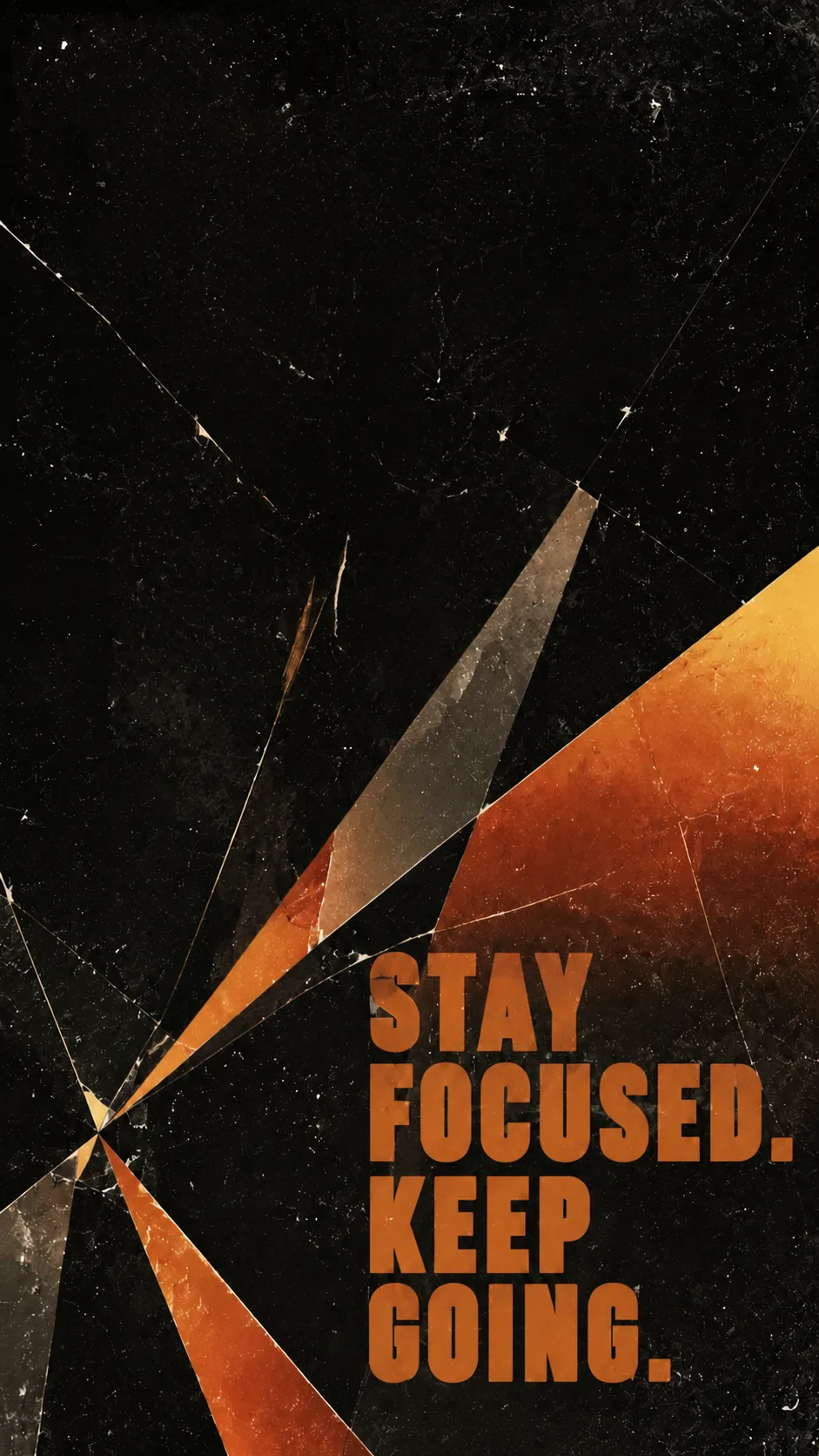
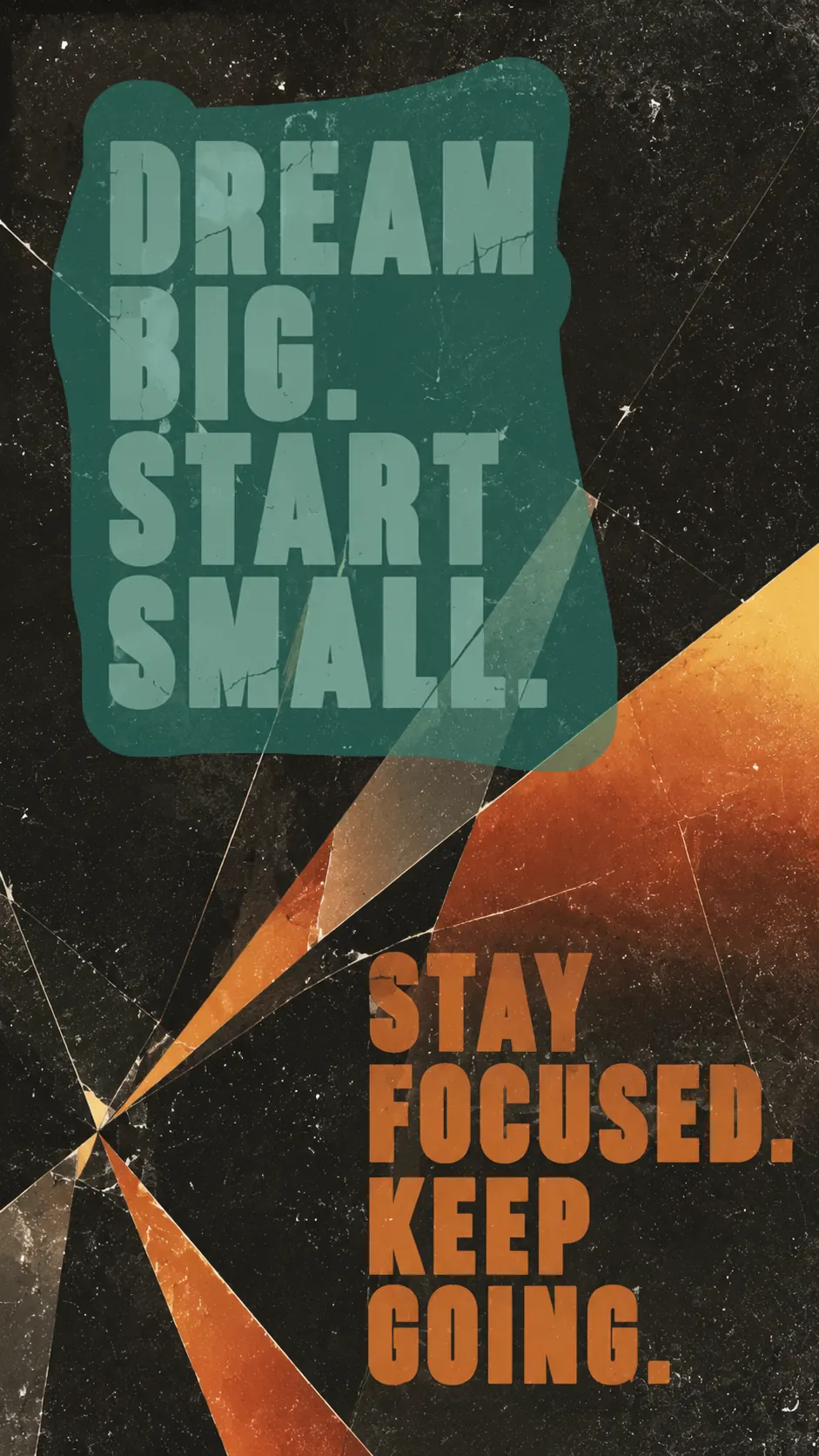 BeforeAfter
For marketers and designers
Clear old dates, headlines, captions, and calls to action from a poster background so your team can rewrite the message without rebuilding the artwork. It is practical for campaign refreshes, seasonal promos, and social creative.

 BeforeAfter
For PPT makers and business teams
Clean screenshots, template previews, diagrams, or slide graphics before adding your own copy to a deck. For PPT creators, the image text remover makes visual layouts easier to reuse while replacing old words.

 BeforeAfter
For personal image cleanup
Erase date stamps, captions, printed distractions, or text on clothing when the words pull attention away from the photo. It is a simple way to remove text from photo memories, pictures, screenshots, and casual images without learning complex editing tools.
Not every image text remover produces a clean edit. Some tools erase letters by smearing the whole area, warping shapes, or repainting the background so heavily that the image can no longer be used. PicTextRemover focuses on removing only the text while preserving the original image structure.
| Comparison dimension | Other text remover tools | Our PicTextRemover |
|---|---|---|
| No distortion | Objects can bend, collapse, or lose their original shape after removal. | Keeps product outlines, object edges, and the overall layout stable. |
| No blur | Large blurred patches can cover the image and make details unusable. | Preserves crisp textures, edges, and lighting around the removed text. |
| Text-only cleanup | The tool may repaint the entire text area and damage content that should stay. | Targets visible lettering and leaves the surrounding visual content intact. |
| Natural color and lighting | Removal often leaves muddy color blocks, stains, or obvious generated artifacts. | Rebuilds the background with matching colors, shadows, and highlights. |
| Ready-to-use result | The output may need heavy manual repair before it can be used anywhere. | Delivers a clean result you can download and use for listings, posts, and designs. |
Image & Picture Text RemoverErase captions, labels, screenshots, poster text, and product text while keeping the background natural.Try text remover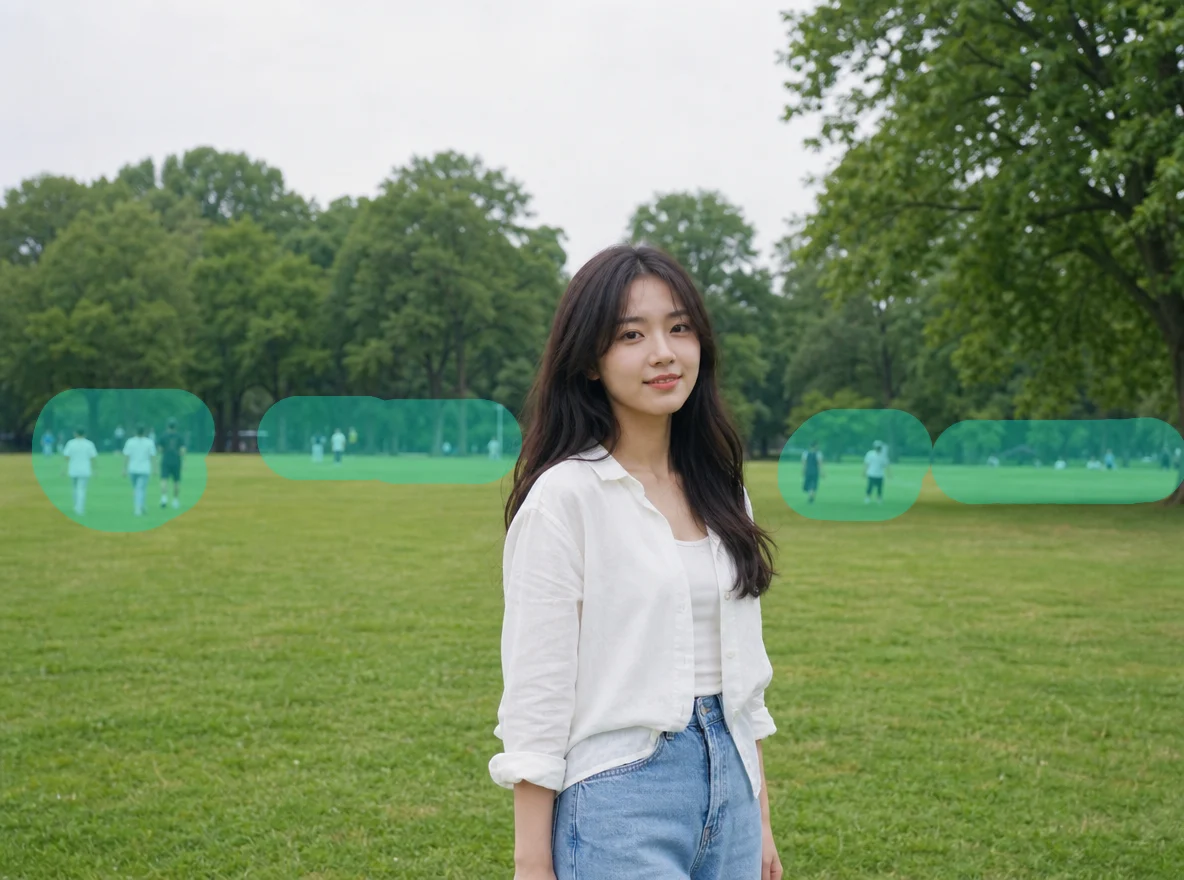
 Image Object RemoverBrush over unwanted people, props, clutter, or defects, then generate a cleaner photo.Open object remover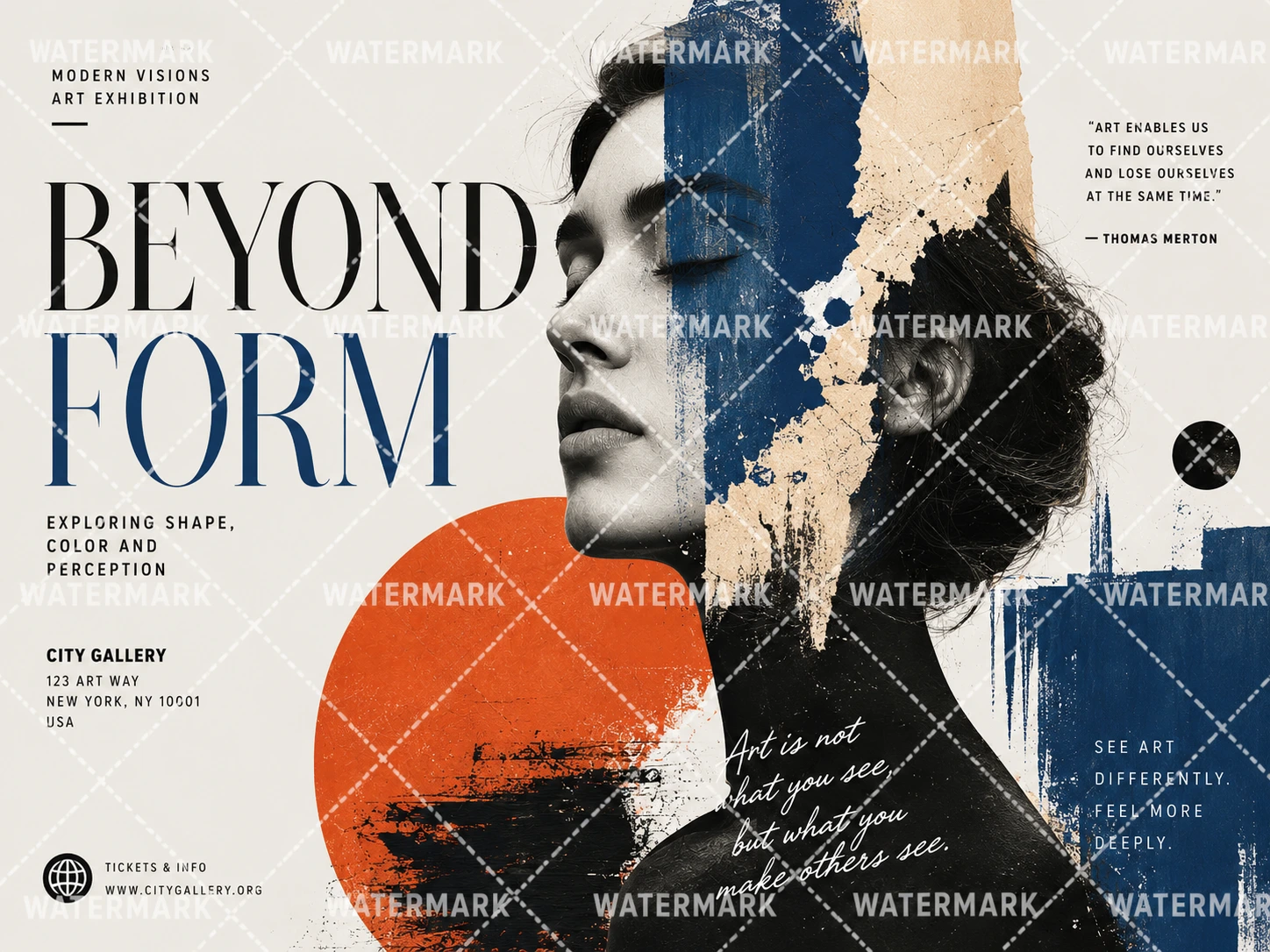
 Picture Watermark RemoverRemove text, logo, icon, and tiled watermark overlays from image, photo, or picture files.Open picture watermark remover
PicTextRemover provides the easiest solution to remove text from image. This text remover AI keeps the workflow simple but fast, saves you a lot of time, and does not require Photoshop or any other editing skill. Upload your image, keep your privacy protected, and leave the rest to our text removal tool.
Automatically detect and seamlessly remove text, labels, captions, and overlays while preserving nearby colors, textures, and lighting.
Get a clean edit without clone tools, layers, or advanced retouching skills. Upload your image, choose whether to brush, and let AI handle the cleanup.
Get your work done in seconds, not in hours. Upload an image, remove unwanted text, and download a clean result without rebuilding the design.
Images are used to create your result, not for public galleries or marketing. Results are deleted by default after 7 days, and logged-in users can delete them earlier in My Creations.
Quick answers about this AI text remover, upload limits, free usage, and privacy.
PicTextRemover supports JPG, PNG, and WebP images up to 10MB. These formats cover most product photos, screenshots, posters, slide images, and everyday photos. For best results, use a clear image where the letters and surrounding background are visible.
Yes. Anonymous users can clean one image for free. After logging in, you get one additional free removal.
PicTextRemover keeps the result suitable for download and everyday use. For best results, upload a clear image where the text edges and surrounding background are easy to see.
Upload an image, brush over the text you want removed if you need precision, or skip the brush for automatic full-image cleanup. Then wait for the AI text remover to finish and download the result.
Yes. Use Image Object Remover when you need to brush over unwanted people, props, clutter, or defects and generate a cleaner photo.
Yes. Your images are safe, and we do not use them for other purposes. Uploaded images and results are deleted by default after 7 days, and you can manually delete logged-in creations in My Creations.
Support email: support@pictextremover.com
